








Smart building facility management uses sensors, connected equipment and software to watch a building's systems and act on what they report. Heating, cooling, lighting, access and metering send data to one platform. The platform raises alerts, adjusts settings and creates work orders. For a property owner, the gain is fewer surprises: you see a failing pump or a wasteful schedule before it becomes a call out or a big bill. Start with the systems that cost you the largest sums to run. Connect them to your maintenance process, and add more once the first ones pay their way.
How a smart building works
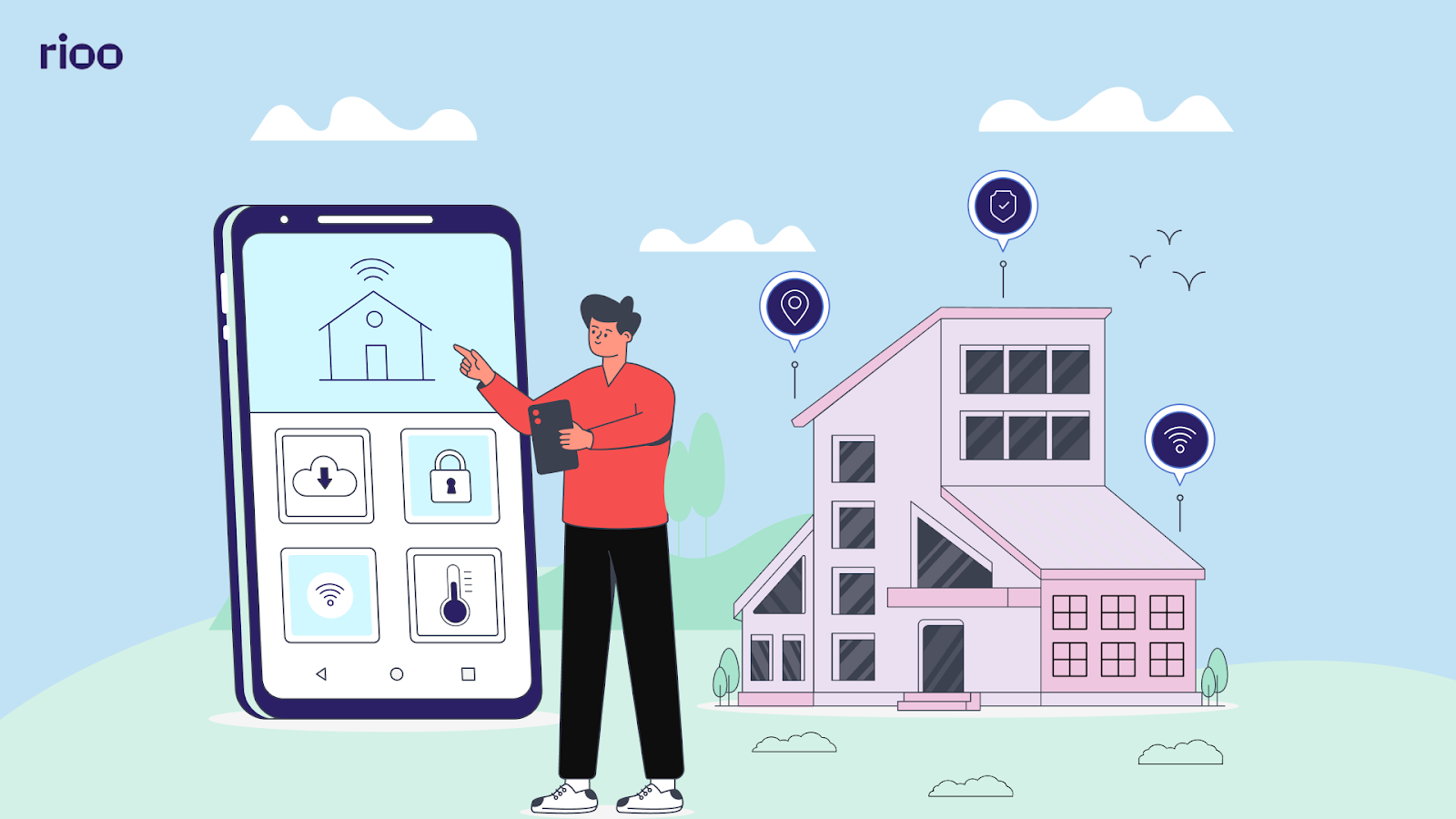
Four layers do the work.
- Sensors and meters. They measure temperature, humidity, occupancy, energy, water flow, door status and equipment run hours.
- The network. Data travels over wired or wireless links to a building controller or the cloud.
- The platform. A building management system or facility platform stores the readings, compares them with set points and flags anything out of range.
- The action. The system adjusts a setting itself, alerts a person, or opens a work order for a technician.
A workflow from alert to fix
This is a fictional example. In a 12 storey office building, a supply fan on floor 7 starts drawing more power than usual at 6:40 AM. The platform compares it with the last 30 days and raises an alert. A work order opens with the asset, the reading and the floor. The technician finds a worn belt, replaces it before the tenants arrive, and closes the order with a photo. The repair costs $85 in parts. A failed fan on a hot afternoon would have meant a call out, a warm floor and complaints.
The technology underneath
- Building management systems control heating, cooling, ventilation and lighting from one place.
- Connected sensors add readings the BMS does not have, such as leak detection or room occupancy.
- Smart meters and submeters show energy and water use by floor, tenant or system.
- Access control records who entered which door and when.
- Cloud platforms and analytics keep history, spot trends and let teams view the building from a phone.
Our guide to the benefits of building management systems goes deeper on the BMS itself.
What owners gain
Lower energy use
Schedules that match real occupancy stop heating and lighting empty floors. Submetering shows which system or tenant uses the largest share.
A clearer return on spend
Energy savings, fewer emergency repairs and longer equipment life all show up in operating costs. Track them against what the system cost to install.
Live data for decisions
History by asset shows which equipment fails often and which runs fine. That helps with capital planning as well as daily work.
Easier compliance and reporting
Many cities now ask large buildings to report energy use. Metered data makes that report faster and more reliable.
Comfort for occupants
Steady temperatures, good air and quick fixes are what tenants notice. Comfort complaints drop when the system catches drift early.
Room to grow
A platform that accepts new sensors lets you add systems building by building without starting over.
Security and safety
Access logs, door alarms and leak sensors help teams respond faster to incidents and show what happened afterwards.
Challenges to plan for
- Upfront cost. Sensors, controllers and installation add up. Phase the work.
- Older equipment. Some plant cannot report data without a retrofit or a new controller.
- Integration. Alerts are only useful if they reach the maintenance process. A separate screen nobody watches fixes nothing.
- Cybersecurity. Connected devices are a way into your network. Change default passwords, separate building networks from office networks and keep firmware current.
- Skills. Technicians need training to read the data and trust the alerts.
- Privacy. Occupancy and access data relate to people. Collect what you need and set a retention period.
A phased plan that works
| Phase | What to do | What to measure |
|---|---|---|
| 1. Audit | List major assets, their age, energy use and repair history. Find the gaps. | Top five assets by cost and call outs |
| 2. Connect the big costs | Meter and monitor heating, cooling and the main pumps first. | Energy use and alerts per month |
| 3. Link to work orders | Send each alert into the maintenance system with the asset attached. | Time from alert to closed order |
| 4. Add occupant features | Access, booking and comfort requests where tenants will use them. | Comfort complaints and adoption |
| 5. Review and extend | Compare results with the audit. Add the next building or system. | Savings against cost to date |
Physical or digital upgrade first?
If equipment is near the end of its life, replace it with a unit that reports data. If it has years left, add sensors and a controller. Our guide to the commercial building preventive maintenance checklist helps you decide what each asset needs.
Choosing a platform
Ask whether it reads your existing equipment and sends alerts to your work order system. Check that it keeps history by asset, works on a phone, and lets you control who sees what. Ask how it is secured and who patches it.
Analytics and occupant tools
Once alerts flow into work orders, analytics can help predict which equipment needs attention and when energy use is out of line. Occupant tools come next: a portal or app for comfort requests and bookings, and simple controls where tenants want them. Occupancy data also shows which spaces sit unused, which helps when you plan layouts.
Getting the team on board
Start with one building and one team. Show the technicians that alerts save them night calls. Share early wins with owners in plain numbers.
Where it is used
Office towers use it to match heating and cooling to occupancy. Warehouses use it for dock doors, lighting and refrigeration. Apartment buildings use leak sensors, boiler monitoring and smart access. Retail centres use it to manage common area lighting and energy across tenants.
Trends worth watching include cloud control of whole portfolios and digital twins that model a building's systems. Others are processing data on site for faster response, subscription pricing for building systems, and paperless maintenance and inspection records.
Smart building data in RIOO
RIOO keeps an equipment registry with warranties and service history, plus utility usage and cost tracking with alerts for unusual consumption. Service requests and tasks become work orders linked to the property, unit and asset, so the cost and history stay on the record. Because RIOO runs inside NetSuite, repair costs post to the right property as they happen. Read how service requests and tasks turn alerts into tracked work, and see how utilities and asset management works in RIOO.
Smart building questions from owners
What is smart building facility management?
Running a building's systems with connected sensors and software that monitor conditions, adjust settings and raise work orders automatically.
Is a smart building worth it for a small property?
Often in part. Leak sensors, smart thermostats and metering are low cost and pay back quickly. A full BMS suits larger buildings.
Can older buildings become smart buildings?
Yes. Sensors and controllers can be added to existing plant. Replace equipment only when it is near the end of its life anyway.
What are the biggest risks?
Cost overruns, alerts nobody acts on, and weak device security. Phase the work, connect alerts to work orders and secure the network.