
When property reports take too long to prepare, every decision starts with a question mark. Your team may need quick answers on income, expenses, occupancy, maintenance costs, or portfolio performance, but the data often sits across separate leasing, finance, and facility tools.
That gap can create repeated spreadsheet work, delayed owner updates, and limited visibility across residential and commercial properties. Over time, reporting becomes less about clarity and more about chasing numbers, checking versions, and waiting for the right context.
This article will help you understand which advanced reporting options in property management software matter most for daily operations and portfolio planning. You’ll learn what to look for, where reporting gaps usually appear, and how better reporting can support clearer financial tracking and property decisions.
Key Takeaways:
- Advanced reporting helps property teams review financial, leasing, facility, and portfolio data with clearer context.
- The most useful reports connect income, expenses, NOI, occupancy, maintenance, and property-level performance.
- Scattered data and manual spreadsheets slow financial reviews and make portfolio decisions harder.
- Strong reporting starts with clear business questions, standardized fields, and consistent review schedules.
- Structured expense categorization helps teams compare costs across properties, units, and transaction types.
- RIOO supports advanced reporting with financial visibility, connected workflows, and 30+ integrations.
Why Advanced Reporting Matters in Property Management
For property management teams, reporting shapes how you understand portfolio performance, plan operational work, and respond to changes across residential and commercial properties.
When reports are clearer and easier to use, teams can spend less time gathering numbers and more time reviewing what needs attention.
Improve visibility across residential and commercial portfolios
Large portfolios become harder to manage when performance data is spread across leasing, finance, facility, and communication tools. Advanced reporting options in a PMS help teams bring the right information into clearer views for daily and portfolio-level decisions.
Your team should be able to review:
- Property-level performance trends
- Portfolio-wide income and expense views
- Occupancy and lease activity across locations
- Maintenance cost patterns by property or unit
This visibility helps portfolio leaders compare performance without relying only on scattered updates.
Support faster financial reviews
Finance teams need timely access to income, expenses, and net operating income across the managed portfolio. When reporting fields are consistent, teams can review performance with fewer delays and fewer repeated checks.
Better reporting can support:
- Income visibility across managed properties
- Expense tracking by property, unit, and transaction type
- NOI review across residential and commercial portfolios
- Consistent data for monthly and quarterly reporting
This gives finance and operations teams a shared view of what is happening across the portfolio.
Help teams move from reactive updates to planned decisions
Delayed reporting can leave teams reacting after issues have already affected operations. Clearer reports help real estate teams spot patterns earlier and plan work with better context.
Reporting can support earlier action by helping teams review:
- Recurring maintenance costs
- Leasing gaps before they affect occupancy
- Expense changes across properties
- Alignment between operations and finance teams
For busy property teams, this turns reporting into a practical planning tool, not just a monthly review exercise.
Also Read: From Move-In to Maintenance: Expectations of Residential Property Management Explained
Common Reporting Challenges Property Managers Face
Reporting challenges often show up as delays, rework, or unclear answers during routine reviews. For teams managing multiple residential or commercial properties, these issues can make it harder to understand performance, explain changes, or act on financial and operational trends.
Data is spread across too many systems
Leasing, finance, facility, and resident communication data often live in different tools. When each team works from its own records, reports take longer to prepare, and portfolio summaries become harder to trust.
This usually creates issues such as:
- Lease data separated from financial reports
- Maintenance records disconnected from expense trends
- Unit information stored inconsistently
- Portfolio summaries delayed by scattered data
Advanced reporting options are most helpful when they bring these details into clearer, more connected views.
Reports take too much manual work
Manual report preparation can drain time from already busy property teams. When reporting depends on exports, spreadsheet edits, and repeated checks, finance and operations teams spend more time preparing reports than reviewing what they mean.
Manual reporting often appears through:
- Exporting data into spreadsheets
- Rechecking numbers across systems
- Reformatting reports for leadership or owners
- Repeating the same reporting steps each month
This slows down financial reviews and makes it harder to respond quickly when portfolio questions come up.
Teams struggle to turn reports into action
Reports only support better decisions when they point teams toward clear next steps. If reports show totals without context, your team may still need extra follow-up to understand what changed and why.
Common gaps include:
- Reports showing totals without property-level context
- Finance and operations teams reading data differently
- Maintenance and leasing trends staying disconnected
- Reports arriving too late to support timely action
Better reporting should help teams move from reviewing numbers to understanding what needs attention across the portfolio.
Also Read: How Property Management Companies Can Streamline Maintenance with SmartTools
Key Advanced Reporting Options to Look For
The most useful reporting features help your team answer real business questions faster. When reviewing advanced reporting options, focus on reports that connect financial, leasing, facility, and portfolio activity in a practical way.
Portfolio-level financial reporting
Property teams need a clear view of income, expenses, and net operating income across the managed portfolio. This is especially important when you manage multiple residential communities, commercial spaces, or mixed-use properties.
Portfolio-level reporting should help you review:
- Income by property or portfolio group
- Expense trends across units and locations
- NOI across the managed portfolio
- Property-level financial comparisons
This helps finance and leadership teams understand performance without rebuilding reports from separate files.
Customizable reporting views
Different teams need different views of the same property data. Finance teams may focus on income and expenses, while leasing, facility, and leadership teams need reports tied to daily operations.
Useful reporting views may include:
- Finance-focused reports for income and expenses
- Operations views for repairs and maintenance activity
- Leasing views for occupancy and lease movement
- Leadership summaries for portfolio review
This helps each team review the information most relevant to its decisions.
Structured categorization for expenses
Consistent expense categories make financial reporting easier to compare across properties. Structured categorization means expenses are tagged to predefined categories by property, unit, and transaction type.
Look for reporting workflows that support:
- Categories defined before reporting begins
- Expense tags aligned with finance needs
- Property and unit-level expense organization
- Comparable reporting across the portfolio
This gives finance teams more consistent data for monthly reviews and portfolio comparisons.
Integrated reporting across property workflows
Reporting works better when leasing, financial, and facility data connect within the same property management process. Without that connection, reports may show numbers but miss the operational context behind them.
Integrated reporting should help connect:
- Lease data with financial reporting
- Maintenance activity with operating costs
- Resident and community updates with property records
- Fewer gaps between operations and reporting
This gives your team a clearer view of what is happening across properties and why it matters.
Whether you’re managing multiple properties or just getting started, RIOO streamlines every part of property management—from tenant communications to financial reporting. No matter your portfolio, our platform helps make operations simpler, more efficient, and easier to oversee. Schedule your demo today.
Mistakes to Avoid with Advanced Reporting Tools
Reporting tools can add value only when they reflect how your team actually reviews performance. If reports are poorly planned, they may create more work instead of supporting clearer decisions across the portfolio.
Mistake 1: Choosing reports before defining business questions
Reports often go unused when they are not tied to real decisions. Before choosing templates or formats, clarify what each report should help your team understand.
Start by defining:
- Which decisions the report supports
- Who will use the report
- How often the report is needed
- What action should follow the report
This keeps reporting focused on practical business needs.
Mistake 2: Ignoring data consistency
Inconsistent property, unit, and expense data can weaken reporting accuracy. If teams use different naming rules or categories, reports may need extra checking before they are useful.
Review consistency across:
- Naming conventions
- Expense categories
- Unit and lease fields
- Maintenance labels
Clean, consistent data helps teams compare performance across residential and commercial properties.
Mistake 3: Creating reports only for finance teams
Financial reporting is critical, but operations teams also need reporting context. Leasing, facility, and community teams often see issues before they appear in monthly financial reviews.
Include reporting views for:
- Leasing teams
- Facility teams
- Community managers
- Portfolio leaders
This helps reporting support the full property management workflow, not only finance reviews.
Mistake 4: Reviewing reports too late
Delayed reporting limits the value of operational insights. If your team reviews data only after issues grow, it becomes harder to respond with the right context.
Review earlier signs such as:
- Expense spikes
- Maintenance patterns
- Occupancy changes
- Lease activity
This helps your team use advanced reporting options in property management software as a planning tool.
Mistake 5: Keeping reports disconnected from workflows
Reports should connect to the work teams perform every day. If reports sit apart from leasing, facility, finance, and communication workflows, teams may still need manual follow-up.
Connect reporting with:
- Financial data and operations
- Maintenance updates and expense trends
- Leasing activity and occupancy reports
- Resident and community updates and property records
This gives your team a clearer reporting structure that supports daily work and portfolio review.
Read More: Financial Oversight Made Simple: Managing Budgets and Expenses with a Community Manager Portal
Practical Strategies for Better Property Reporting
Better reporting starts with how your team uses information, not with how many reports a system can create. Before reviewing tools or changing workflows, focus on the decisions your reports should support across finance, leasing, facility, and portfolio operations.
Strategy 1: Start with the decisions your reports need to support
Teams should not begin with report templates alone. A useful report should answer a real business question, guide the next step, and help the right people review the right information.
Start by identifying:
- Which properties need closer review
- Where expenses are changing
- Which leases or units need attention
- What financial questions leadership asks most often
This helps your team choose reports that support decisions instead of creating extra reporting work.
Strategy 2: Standardize reporting fields across the portfolio
Inconsistent fields make reports harder to compare across residential and commercial properties. When property names, unit details, and categories vary by team, reports may need extra checking before anyone can use them.
Standardize fields such as:
- Property names and IDs
- Unit or leasable space details
- Expense categories
- Lease status fields
- Maintenance and repair labels
This gives your team cleaner data before reviewing advanced reporting options in property management software.
Strategy 3: Review reporting frequency by team need
Not every report needs the same review schedule. Daily operations, monthly financial reviews, and quarterly portfolio discussions all require different levels of detail.
Match reporting frequency to team needs, such as:
- Daily operational checks
- Weekly maintenance or occupancy reviews
- Monthly income and expense reporting
- Quarterly portfolio performance reviews
This helps teams focus on the right information at the right time.
Strategy 4: Connect reporting with communication workflows
Reports should help teams communicate clearly, not just collect numbers. When reporting connects with team updates, finance, facility, leasing, and leadership teams can review information with more context.
Look for places where reporting should support coordination:
- Finance updates shared with operations teams
- Maintenance trends discussed with facility teams
- Resident and community manager insights tied to property records
- Leadership summaries based on consistent data
This turns reporting into a shared operating tool across the portfolio, not just a finance document.
Also Read: Top 10 Property Management Marketing Strategies to Boost Your Business
Real-World Example: Reporting Across a Mixed Portfolio
A mixed portfolio can make reporting harder because residential and commercial properties often have different leasing, maintenance, and financial patterns. Advanced reporting options in property management software help teams bring these details into a clearer structure for review.
Consider a real estate team managing residential communities and commercial spaces across several locations.
Before: Scattered reports and unclear property performance
The team prepares separate reports for income, expenses, maintenance, and leasing updates. Finance waits for property-level numbers, while operations teams track repairs and occupancy changes in different systems.
Reporting issues often appear when:
- Finance waits for updated property-level numbers
- Maintenance costs are reviewed separately from property performance
- Leasing updates do not flow into portfolio summaries
- Leadership receives reports after key decisions are already due
This makes portfolio performance harder to review with confidence.
After: Clearer reporting and better portfolio visibility
The team improves reporting by connecting key property, finance, and facility data. Instead of rebuilding updates from separate files, each department works from more consistent reporting fields.
The improvement shows up through:
- Property-level financial data that is easier to review
- Expense trends that are easier to compare
- Leasing and facility updates that support portfolio reporting
- Leaders reviewing performance with more context
This gives portfolio teams a clearer view of where attention is needed across residential and commercial properties.
Also Read: How to Get Started in Property Management
5 Property Management Software Options With Advanced Reporting Features
Choosing reporting software is easier when you compare tools by the decisions they help your team make. The best fit depends on portfolio size, property type, financial reporting needs, and how closely reporting connects with daily operations.
RIOO
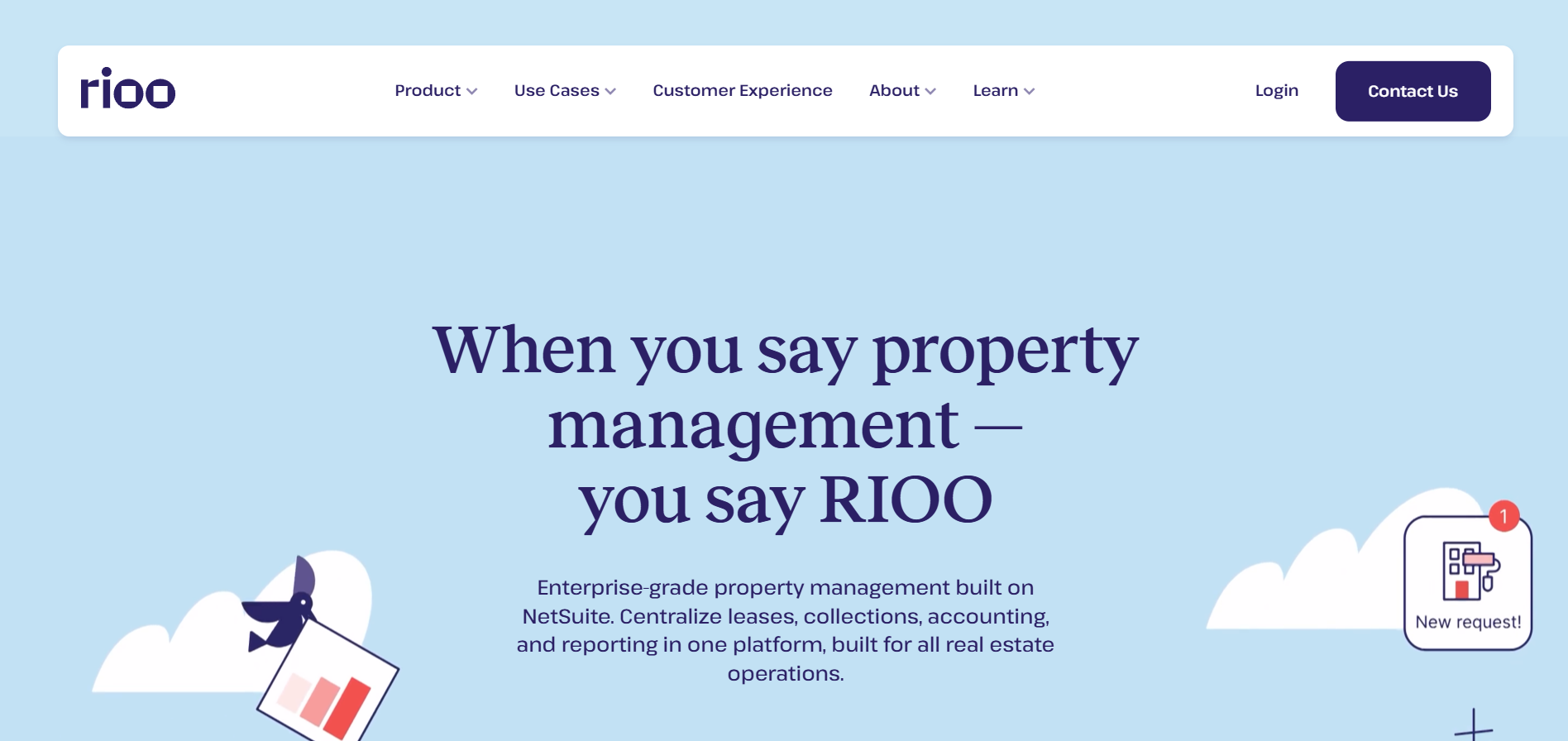
RIOO supports property teams that need reporting connected to leasing, facility management, and portfolio operations. For teams reviewing advanced reporting options in property management software, RIOO keeps the focus on financial clarity and operational context.
RIOO’s reporting value includes:
- Financial reporting on income, expenses, and net operating income across the managed portfolio
- Expense tracking by portfolio context, including property, unit, and transaction type
- Leasing visibility that supports occupancy, income, and portfolio review
- Facility management context for maintenance, repairs, and vendor-related coordination
- 30+ integrations that support a more unified reporting experience
This makes RIOO a strong fit for residential and commercial teams that want clearer reporting across multiple properties.
AppFolio
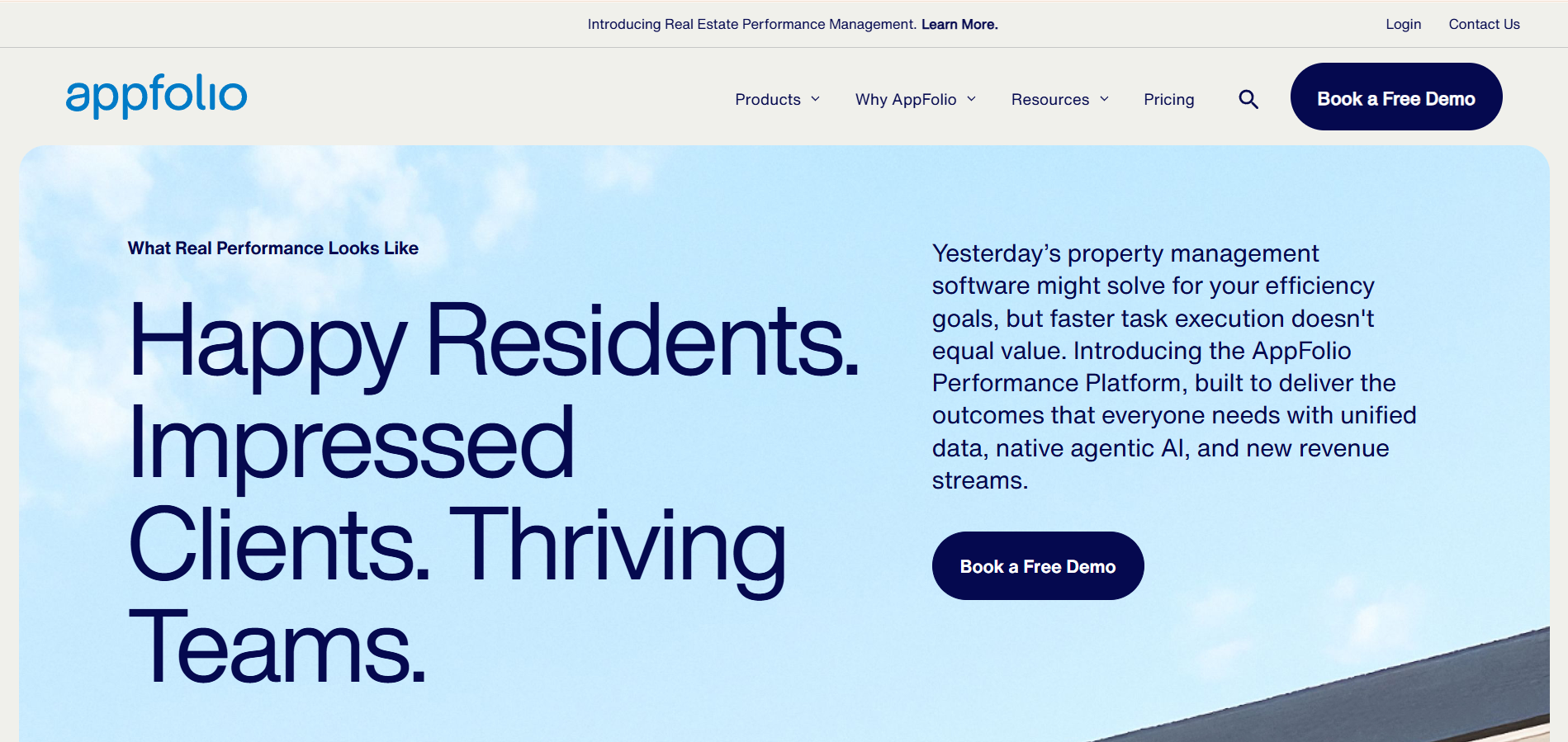
AppFolio is commonly positioned for property teams that need reporting across accounting, leasing, maintenance, and resident workflows. It may suit teams looking for broad operational visibility across rental portfolios.
Reporting areas to review include:
- Portfolio-level performance reporting
- Accounting and operational data visibility
- Maintenance and leasing activity context
- Reporting support for teams managing multiple rental operations
Buildium
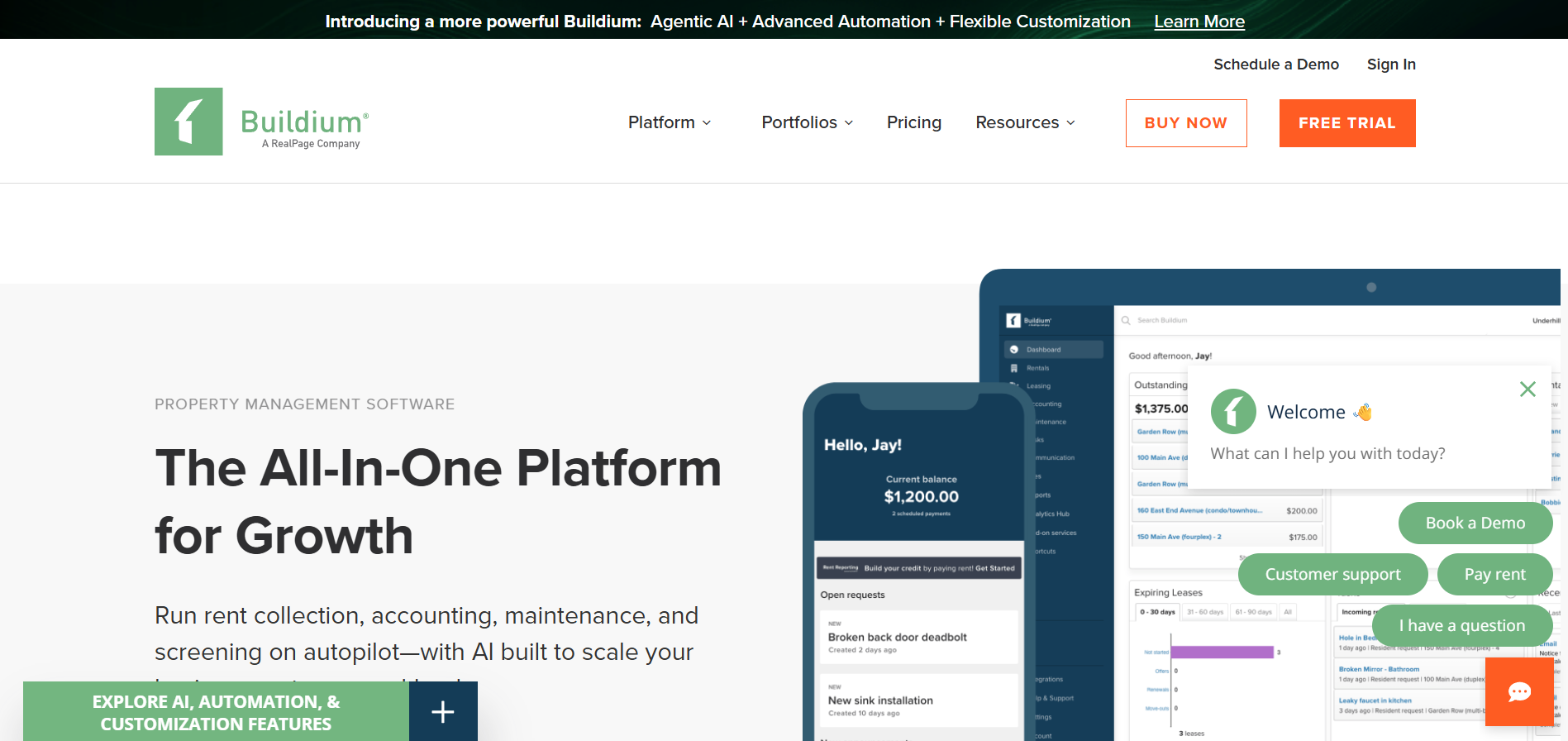
Buildium is often used by residential property management teams that need reporting connected to accounting, leasing, and resident operations. It may be useful for teams managing smaller or mid-sized residential portfolios.
Reporting areas to review include:
- Accounting and financial report access
- Resident and lease-related reporting context
- Maintenance tracking visibility
- Reporting support for residential portfolio reviews
Yardi
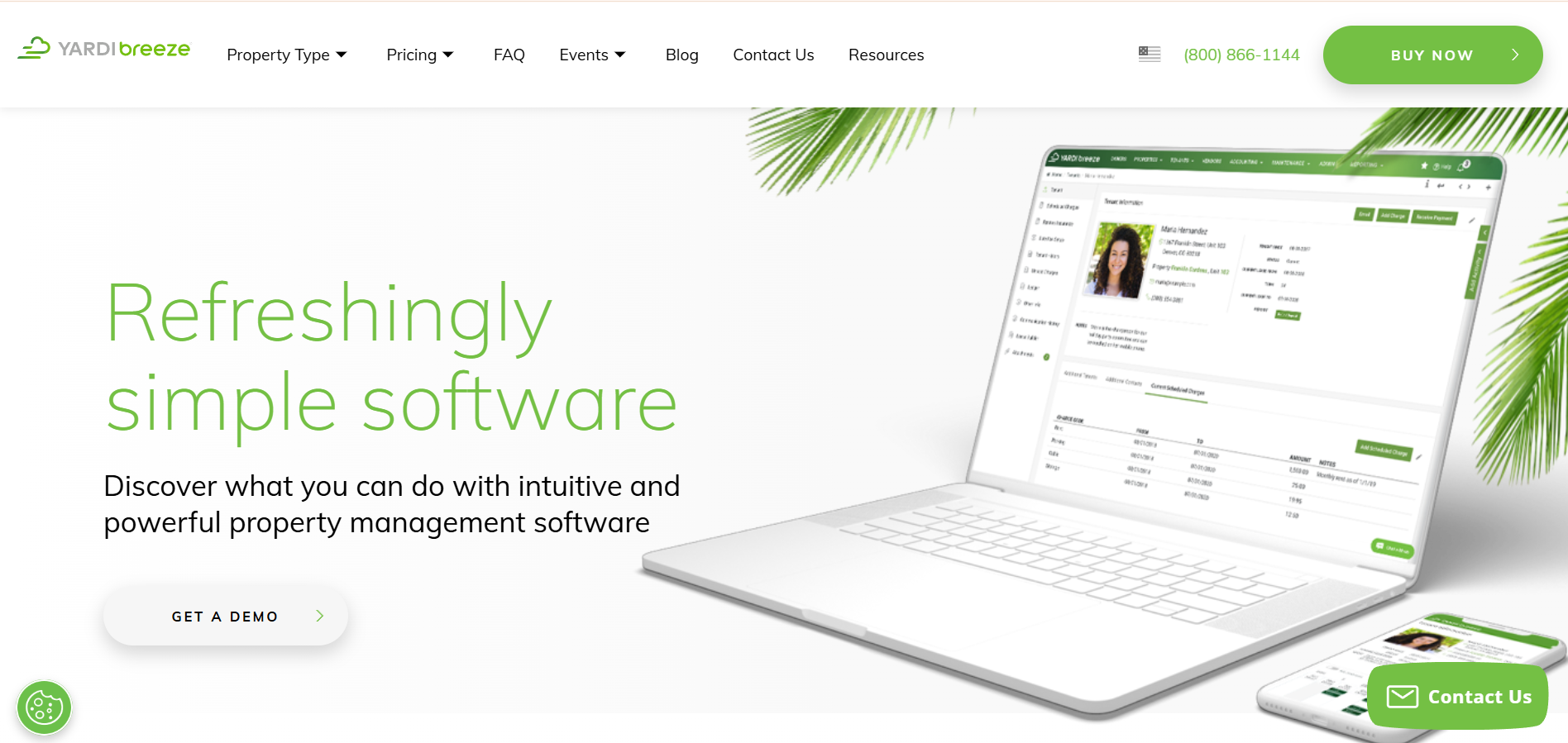
Yardi is often considered by larger real estate teams with complex property, accounting, and portfolio management requirements. It may suit enterprise teams managing residential, commercial, or mixed-use assets.
Reporting areas to review include:
- Portfolio and asset-level reporting
- Accounting and operational reporting support
- Commercial and residential portfolio use cases
- Reporting structures for larger real estate teams
MRI Software
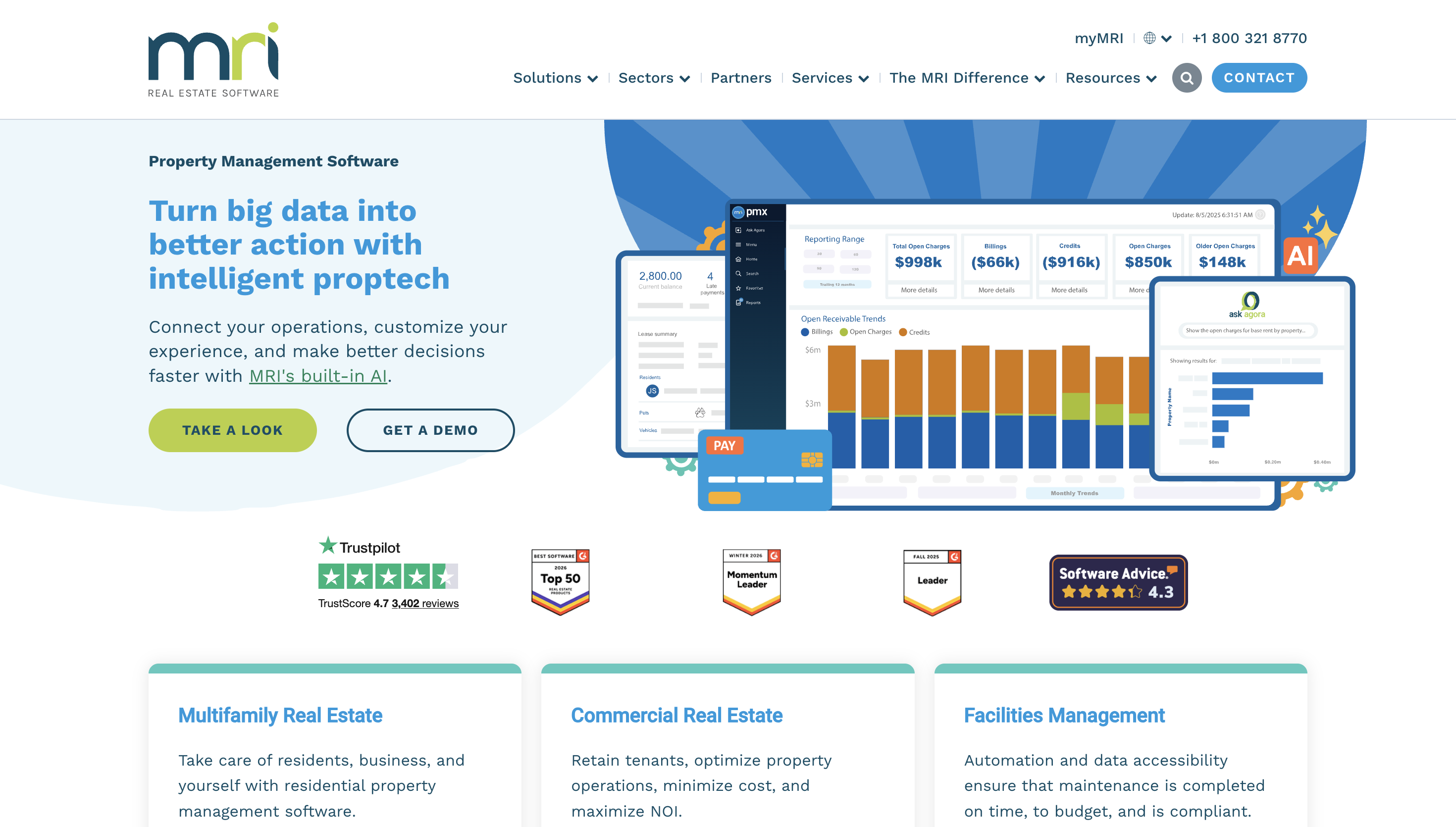
MRI Software is commonly used by enterprise real estate teams that need configurable reporting across property operations and portfolio performance. It may suit teams with more complex reporting structures and internal review needs.
Reporting areas to review include:
- Configurable property reporting
- Portfolio performance visibility
- Lease and operational reporting context
- Reporting support for enterprise real estate teams
Once you understand how each platform supports reporting, the next step is to focus on your own reporting gaps. Start with the decisions your team needs to make, then choose the features that support those decisions clearly.
Conclusion
Clear reporting gives property teams more confidence in the decisions they make every day. If your reports are delayed, disconnected, or too manual, you are not alone; many teams managing residential and commercial portfolios face the same challenges. By aligning reports with key decisions, standardizing data, and reviewing them regularly, you can improve portfolio visibility.
RIOO supports this next step through financial insights designed for income, expense, and net operating income review across your managed properties. With real-time financial tracking, seamless communication and integration, and streamlined property management across multiple properties, RIOO helps your team work from a clearer financial and operational context
Explore how RIOO supports advanced reporting with clearer financial insights, portfolio visibility, and connected property management workflows. Get in touch today.
FAQs
-
What are advanced reporting options in property management software?
Advanced reporting options help property teams review financial, leasing, facility, and portfolio data in more detail. They give teams clearer context when reviewing performance across residential and commercial properties. Common examples include portfolio-level financial reports, custom reporting views, expense categorization, and maintenance or occupancy reporting. -
Which reports matter most for property managers?
The most useful reports depend on your portfolio size, property type, and business goals. For most teams, reporting should support financial review, occupancy planning, and operational decisions.High-value reports often include income and expense reports, NOI reports, rent roll or occupancy reports, maintenance cost reports, and portfolio performance summaries. -
How can reporting improve financial visibility?
Reporting helps teams review income, expenses, and net operating income across managed properties. This gives finance and operations teams a clearer view of what is changing across the portfolio.Strong financial visibility usually includes property-level income, expense trends, NOI by property or portfolio, and consistent financial categories. -
Why is structured categorization important?
Structured categorization gives finance teams comparable data across properties. When expenses are tagged consistently, teams can review costs with less confusion and stronger context.It supports expense tracking, property comparisons, unit-level review, and portfolio reporting across residential and commercial properties. -
How often should property teams review reports?
Report frequency should match the decision your team needs to make. Some reports support daily operations, while others are better suited for monthly or quarterly review.Teams may use daily operational reviews, weekly maintenance checks, monthly financial reports, and quarterly portfolio performance reviews. -
Can reporting help reduce spreadsheet dependence?
Yes, better reporting tools can help reduce unnecessary spreadsheet work when data is organized in one system. This can save time on repeated formatting, exports, and manual checks.Spreadsheet-heavy areas often include monthly report preparation, expense tracking, maintenance summaries, and portfolio updates. -
How does RIOO support advanced reporting needs?
RIOO supports advanced reporting through financial reporting, leasing management, facility management, and 30+ integrations. This helps property teams connect reporting with daily operations.It supports portfolio financial visibility, lease and facility reporting context, reduced data fragmentation, and a more unified property management experience.


.svg)
.svg)


.svg)