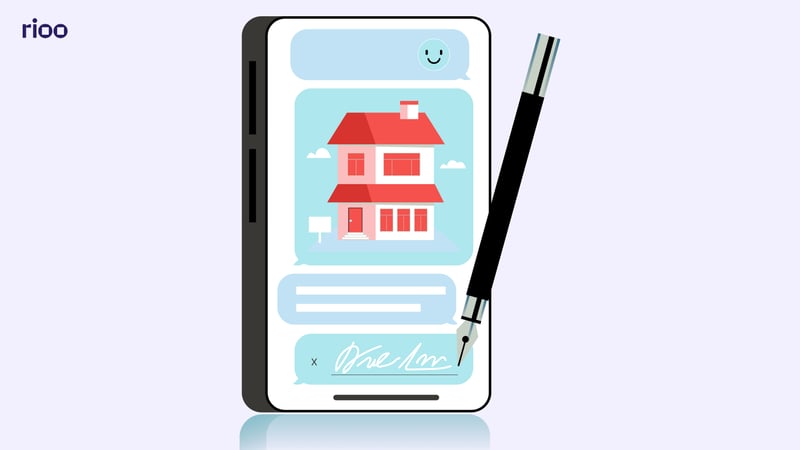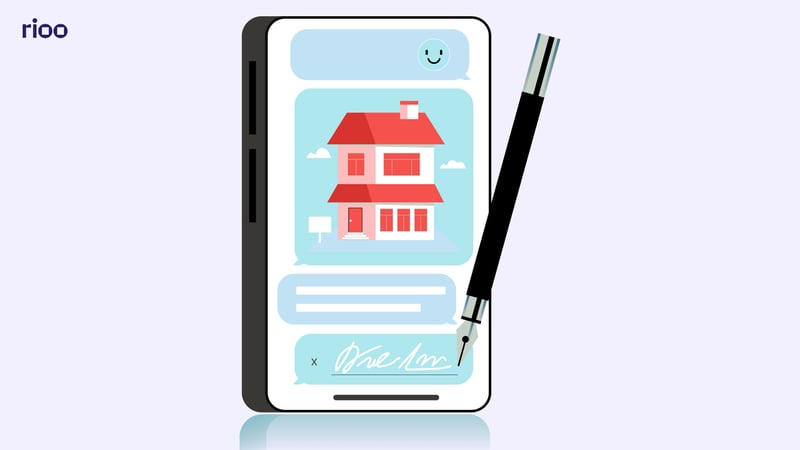
Manual lease signing can slow down even the most organized property management team. When leases move through printouts, email threads, scanned copies, and in-person handoffs, it becomes harder to track what is signed, what is pending, and who needs to follow up.
For teams managing multiple units, residents, or commercial spaces, those small delays can create bigger operational gaps. Missed signatures, outdated lease versions, and disconnected records can slow move-ins, affect renewals, and leave leasing teams without clear visibility.
Electronic lease signing gives property managers a more structured way to handle lease completion. In this guide, you’ll learn how it works, what to check before using it, common mistakes to avoid, and how to build a smoother lease workflow across your portfolio.
Key Takeaways:
- Electronic lease signing helps property managers reduce paper-heavy lease workflows and keep signing, records, and onboarding easier to track.
- Manual signing creates delays. Printing, scanning, email threads, and in-person handoffs make it harder to see what is signed, pending, or missing.
- Online lease signing needs a clear process. Teams should confirm signer access, consent, local lease rules, and final document storage before using e-signatures.
- Audit trails protect lease visibility. They help teams confirm who signed, when they signed, and which lease version was completed.
- The real value is workflow connection. Electronic lease signing works best when it links to resident records, renewals, payments, reporting, and property operations.
- RIOO supports connected lease management. Its platform brings leasing, communication, financial reporting, and property operations into one place for residential and commercial portfolios.
What Is Electronic Lease Signing?
Electronic lease signing is the process of preparing, reviewing, signing, and storing lease agreements through a digital workflow instead of paper-based steps. For property managers, it can help reduce the delays that come from printing leases, scanning pages, chasing signatures, and storing files in separate folders.
Can you sign an apartment lease online?
Yes, many apartment leases can be signed online when the process follows the required legal, consent, and record-keeping rules for that location. Property managers should still check applicable local requirements, especially when leases include specific disclosures, addenda, or signing conditions.
For residents, signing a lease online can make the process easier because they can review and complete documents without visiting an office. For property teams, it helps keep leasing activity moving when applicants, co-signers, and managers are not in the same place.
Before using online signing, your team should confirm:
- The resident has access to the lease before signing
- Each required signer is correctly listed
- The final signed document can be stored and retrieved
- The process follows local electronic signature and lease requirements
Electronic signing vs. traditional lease signing
Traditional lease signing can work when your portfolio is small and every signer is nearby. But once your team manages multiple residents, units, renewals, or commercial spaces, paper-based signing starts creating friction.
The difference usually shows up in day-to-day operations:
- Traditional signing: Teams rely on office visits, printed copies, scanned pages, email attachments, and manual follow-ups.
- Electronic signing: Teams can send, track, complete, and store lease documents through a more structured workflow.
For property managers, the biggest advantage is visibility. Instead of asking where the lease is, who still needs to sign, or which version is final, your team can follow the lease process from preparation to completion with less guesswork.
Also Read: Cash Flow Challenges in Property Management—And How to Solve Them
Is Signing a Lease Online Legally Valid?
Online lease signing is widely used, but property managers still need a careful process. Legal validity depends on consent, record-keeping, signer access, and local lease requirements.
Before relying on electronic lease signing across your portfolio, here are the key checks to review:
What property managers should confirm before using e-signatures
In many markets, electronic lease signing is accepted when it follows local lease and e-signature rules. Property managers should treat it as a formal leasing process, not just a faster way to collect signatures.
Before using e-signatures, confirm that each signer agrees to sign online. Your team should also be able to verify signer identity, document access, the final lease version, and completed records.
A reliable workflow should help your team confirm:
- Each signer received the correct lease version
- The resident had time to review the document
- Signature, initials, and date fields were completed
- The final signed lease can be accessed after completion
- Records are stored with the right resident, unit, and property details
This matters for residential and commercial portfolios because lease records often support renewals, move-outs, payment reviews, and resident communication.
Why audit trails and signed records matter
Electronic lease signing should leave a clear record of the signing process. For property managers, that record becomes useful when lease questions, renewals, or internal reviews come up.
A strong audit trail should make it easier to confirm:
- Signer details: Who signed and when
- Final version: Which lease copy was completed
- Renewal support: Dates, terms, and obligations
- Resident questions: Lease details your team may need to verify
- Team visibility: Shared context for leasing, community, and finance teams
- Portfolio records: Cleaner tracking across properties
Without this visibility, your team may have to search through email threads, shared folders, or separate systems to answer basic lease questions.
When to check local lease requirements
Lease rules can vary by country, state, province, city, and property type. Some locations may require specific disclosures, formats, consent steps, or recordkeeping practices for online signing.
This matters if your portfolio spans multiple regions or includes both residential and commercial properties. When in doubt, have your legal advisor or compliance team review the process before rollout.
How to Complete Electronic Lease Signing for Online Leases
Electronic lease signing works best when your team treats it as a structured leasing workflow, not just a signature task. The goal is to prepare the right lease, send it to the right people, track completion, and keep the final signed document connected to the resident and property record.
Step 1: Prepare the Lease Document
Before sending the lease for signature, review the document carefully. Confirm the resident’s name, property address, unit details, lease dates, rent amount, deposits, fees, renewal terms, and any required addenda.
This step matters because electronic signing can make the process faster, but it does not correct missing or inaccurate lease details. If the wrong version is sent, your team may need to resend the document and delay move-in or renewal timelines.
Step 2: Add Signature and Initial Fields
Once the lease is ready, mark the areas where each party needs to sign, initial, or add a date. This may include the resident signature, co-signer signature, property manager approval, disclosures, addenda, or renewal acknowledgments.
Clear signature fields help residents understand exactly where action is needed. They also reduce incomplete documents and prevent leasing teams from chasing missing initials after the lease is returned.
Step 3: Assign the Right Signers
Add the correct signers and confirm their email addresses before sending the lease. Each person should be assigned the right role, such as resident, co-signer, property owner, or authorized manager.
For property managers, this step helps prevent routing mistakes. A lease sent to the wrong signer or missing a required party can slow down approvals and create extra back-and-forth for your team.
Step 4: Set the Signing Order and Notifications
Some leases need to be signed in a specific order. For example, the resident may sign first, followed by a co-signer, then the property manager or authorized representative.
Setting the signing order helps keep the process organized. Notifications and reminders can also help leasing teams follow up with pending signers without relying only on manual email tracking.
Step 5: Send the Lease for Review and Signature
After the fields and signers are set, send the lease through the electronic signing workflow. Residents should receive clear instructions on how to open, review, and complete the lease.
This is where communication matters. Property teams should make sure residents know what they are signing, where to find key lease terms, and who to contact if they have questions before completing the document.
Step 6: Track Lease Completion Status
Once the lease is sent, track whether it has been viewed, signed, or is still pending. This gives leasing teams better visibility into where each lease stands before move-in, renewal, or occupancy deadlines.
For larger portfolios, lease tracking is especially important. It helps teams avoid missed follow-ups, unsigned documents, and last-minute delays across multiple units or properties.
Step 7: Store the Signed Lease With the Resident Record
After all parties sign, the completed lease should be stored securely and connected to the correct resident, unit, lease term, and property record. This makes the document easier to find during renewals, move-outs, disputes, or internal reviews.
A signed lease should not sit in a disconnected email thread or shared folder. Keeping lease records connected to the wider property management workflow gives leasing, community, and finance teams better access to the information they need.
Step 8: Keep the Lease Workflow Connected to Property Operations
Electronic lease signing is most useful when it supports the full leasing process. That includes applications, approvals, lease records, resident onboarding, payments, and future renewals.
For property managers, the real value comes from reducing disconnected work. When lease documents stay connected to resident and property data, teams can manage leasing with clearer visibility and fewer manual handoffs.
Also Read: How to Make a Rent Roll: A Practical 2026 Guide for Property Managers
Benefits of Electronic Lease Signing for Property Managers
Electronic lease signing helps property managers reduce paperwork, speed up lease completion, and keep records easier to manage. It also gives residents a clearer way to review and complete lease documents.
Here are the key benefits property teams can expect when lease signing becomes part of a structured digital workflow:
Faster lease turnaround across busy portfolios
Lease signing can slow down when every document depends on printing, scanning, office visits, or long email threads. With electronic lease signing, property teams can send leases, collect signatures, and move approved applicants toward onboarding with fewer manual steps.
For teams managing apartments, commercial spaces, or mixed portfolios, this matters most when several leases are moving at once. A clearer signing process helps reduce avoidable delays before move-in, renewal, or handover.
Cleaner lease records for internal teams
A signed lease should not be hard to find later. When final documents sit in inboxes or disconnected folders, teams lose time confirming basic details.
Cleaner lease records help your team quickly review:
- Lease dates
- Rent and deposit details
- Renewal terms
- Signed addenda
- Resident and unit information
- Required disclosures
That recordkeeping supports leasing teams, community managers, and finance teams that need accurate lease details during renewals, move-outs, or internal reviews.
Better resident experience during onboarding
After approval, residents want to understand what comes next. A scattered signing process can create confusion, especially when documents, instructions, and questions are split across different channels.
Signing a lease online gives residents a more convenient way to review and complete lease documents. It also gives your leasing team a cleaner path to answer questions, confirm completion, and keep onboarding moving.
Stronger visibility into leasing progress
For property managers, the question is rarely just “Was the lease sent?” It is usually:
- Has the resident opened it?
- Who still needs to sign?
- Is the final version complete?
- Is the lease stored with the right record?
Electronic lease signing helps make those answers easier to track. Instead of checking multiple inboxes or asking different team members for updates, your leasing team can follow lease progress with clearer visibility across the portfolio.
Also Read: How Digital Leasing Tools Are Quietly Saving Property Managers Hours Each Week
Common Electronic Lease Signing Mistakes to Avoid
Electronic lease signing can make leasing easier, but only when the process is set up correctly. Small mistakes in documents, access, or storage can still slow down your team.
Before you roll out or refine your signing workflow, watch for these common issues:
Sending incomplete or outdated lease documents
Electronic lease signing can make the signing process easier to manage, but it cannot correct an inaccurate lease. If the rent amount, lease dates, resident details, or addenda are wrong, the mistake still moves forward with the document.
Before sending any lease, your team should check:
- Resident and co-signer names
- Unit, property, and lease dates
- Rent, deposits, fees, and renewal terms
- Required disclosures or attachments
- Signature, initial, and date fields
This is especially important when teams manage several lease templates across residential and commercial properties.
Relying on email threads as the main tracking system
Email works for communication, but it is not a strong lease tracking system. Messages get buried, attachments can be renamed, and teams may struggle to confirm which version was signed.
A better approach is to keep lease status visible in a structured workflow. Your leasing team should be able to see whether a document is drafted, sent, viewed, signed, completed, or waiting for follow-up.
Not confirming signer access and consent
Residents should know they are signing a lease online and should be able to access the document before and after signing. This helps reduce confusion and supports a cleaner signing experience.
Your team should also confirm that the right people are included. Missing a co-signer, owner approval, or manager signature can delay move-ins and create avoidable back-and-forth.
Storing signed leases outside the property workflow
A signed lease should not sit in an inbox or random folder. When teams cannot find the final version quickly, renewals, move-outs, and resident questions take longer.
After signing, make sure the lease is:
- Linked to the right resident
- Connected to the correct unit and property
- Stored with related addenda
- Accessible to approved team members
This keeps lease records easier to find when your team needs them.
What to Look for in an Electronic Lease Signing Workflow
Lease documents often include sensitive resident, property, and financial details. As your portfolio grows, more teams may need access to those records. Clear permissions help keep lease handling organized and reduce unnecessary exposure.
Before choosing a lease signing workflow, check whether your team can control the key access points that affect document security and day-to-day leasing work:
Lease tracking from application to move-in
A strong electronic lease signing workflow should connect the full leasing path, not just the signature step. Your team needs visibility from inquiry and approval to lease preparation, signing, and onboarding.
This helps prevent gaps like approved applicants waiting on documents or signed leases missing from resident records.
Secure document access and clear permissions
Lease documents include sensitive resident, property, and financial details. Access should be limited by role, property, and responsibility.
Check whether your team can control:
- Who prepares leases
- Who sends them for signature
- Who views completed leases
- Who edits records
- Who accesses documents across properties
Integration with broader property management operations
Electronic lease signing works best when it connects with resident records, payments, maintenance, and reporting. Otherwise, your team may still spend time moving information between disconnected tools.
Once a lease is signed, the right teams should be able to reference key lease details without searching across separate systems.
Reporting visibility for leasing teams
Leasing teams need to know what is completed, delayed, or waiting on action. Without that view, follow-ups depend on inbox checks or spreadsheets.
Useful reporting should help track:
- Leases sent but not signed
- Completed leases by property
- Pending renewals
- Move-ins waiting on documents
- Lease activity across the portfolio
How RIOO Supports Connected Electronic Lease Signing
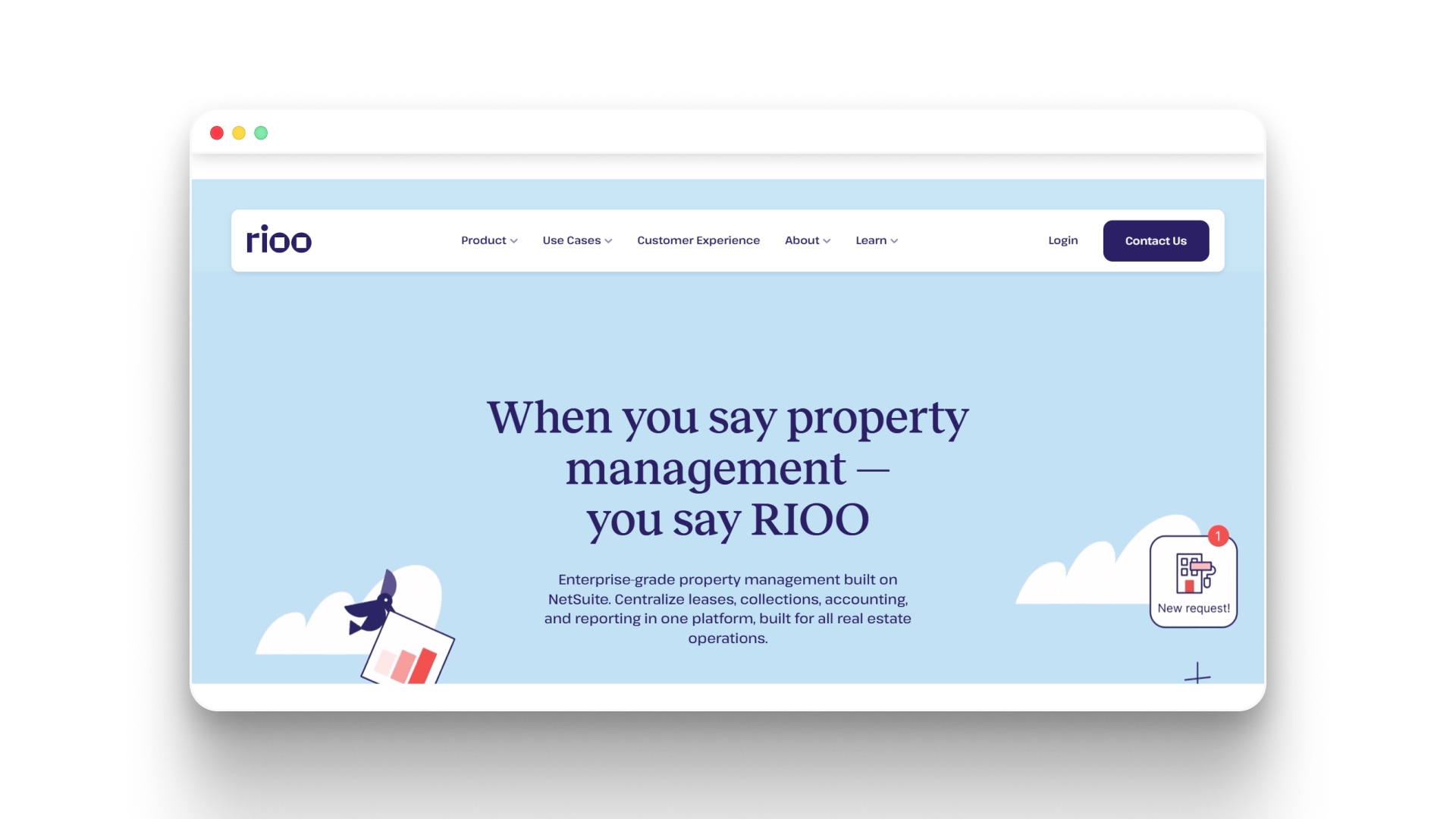
Electronic lease signing is most effective when it’s part of a broader property management workflow. RIOO helps property managers integrate signing into their daily operations, keeping leases, resident records, and portfolio data aligned.
Here’s how RIOO strengthens your electronic lease process:
- Centralized Lease Records: All signed leases, addenda, and related documents are stored in one secure platform, linked to each resident, unit, and property. This eliminates scattered folders, disconnected email threads, or lost files.
- Real-Time Signing Visibility: Track which leases have been sent, viewed, signed, or are pending across multiple units or properties. Your team can quickly identify follow-ups without manual checks.
- Integrated Workflow Connection: Electronic lease signing is tied to resident records, renewals, payments, and property operations. Once signed, leases automatically update the broader property and financial systems.
- Audit Trails for Compliance: Every signature, date, and action is logged, making it easy to verify signers, lease versions, and completion times for internal reviews or audits.
- Flexible Access Controls: Permissions allow your team to control who prepares, sends, edits, and views lease documents, reducing the risk of errors or unauthorized access.
- Portfolio-Scale Management: Whether managing dozens or thousands of units, RIOO ensures electronic leases stay organized, consistent, and actionable across residential and commercial portfolios.
By connecting electronic lease signing with property and financial data, RIOO helps teams reduce administrative overhead, improve compliance, and maintain a smoother leasing workflow.
Instead of chasing signatures and reconciling documents manually, property managers gain a clear, unified view of leasing progress and portfolio activity.
Conclusion
Electronic lease signing helps property teams reduce manual handoffs, track lease records more clearly, and give residents a smoother signing experience. With the right process, your team can prepare documents carefully, confirm signer access, store records properly, and keep leasing work easier to manage.
RIOO supports this connected approach through Property Management Solutions for residential and commercial portfolios. With leasing management, real-time financial tracking, seamless communication, and 30+ integrations, RIOO helps property teams keep lease activity closer to daily operations. Explore RIOO Property Management Solutions to manage leasing, records, and portfolio workflows from one platform.
Bring electronic lease signing into a connected property management workflow.
See how RIOO supports leasing, communication, reporting, and operations across multiple properties.
FAQs
-
Can I sign a lease online?
Yes, many leases can be signed online when the landlord or property manager uses a valid electronic signing process. Local lease and e-signature requirements can vary, so both parties should check the rules that apply before signing. -
Is signing a lease online safe?
Signing a lease online can be safe when the process uses secure document access, clear signer verification, and controlled permissions. Property managers should also confirm that the final signed lease can be stored, retrieved, and reviewed later. -
Can apartment leases be signed electronically?
Yes, many apartment leases can be signed electronically. Property managers should review lease details, addenda, disclosures, and signer information before sending the document to avoid delays or incomplete records. -
What happens after a lease is signed online?
After a lease is signed online, the final document should be stored with the correct resident, unit, property, and lease term. This helps teams access the lease during renewals, move-outs, payment reviews, or resident questions. -
What should property managers avoid when using electronic lease signing?
Property managers should avoid sending outdated lease documents, relying only on email threads, skipping signer consent, and storing final leases in disconnected folders. A structured workflow keeps signing, records, and follow-ups easier to manage.


.svg)
.svg)


.svg)