





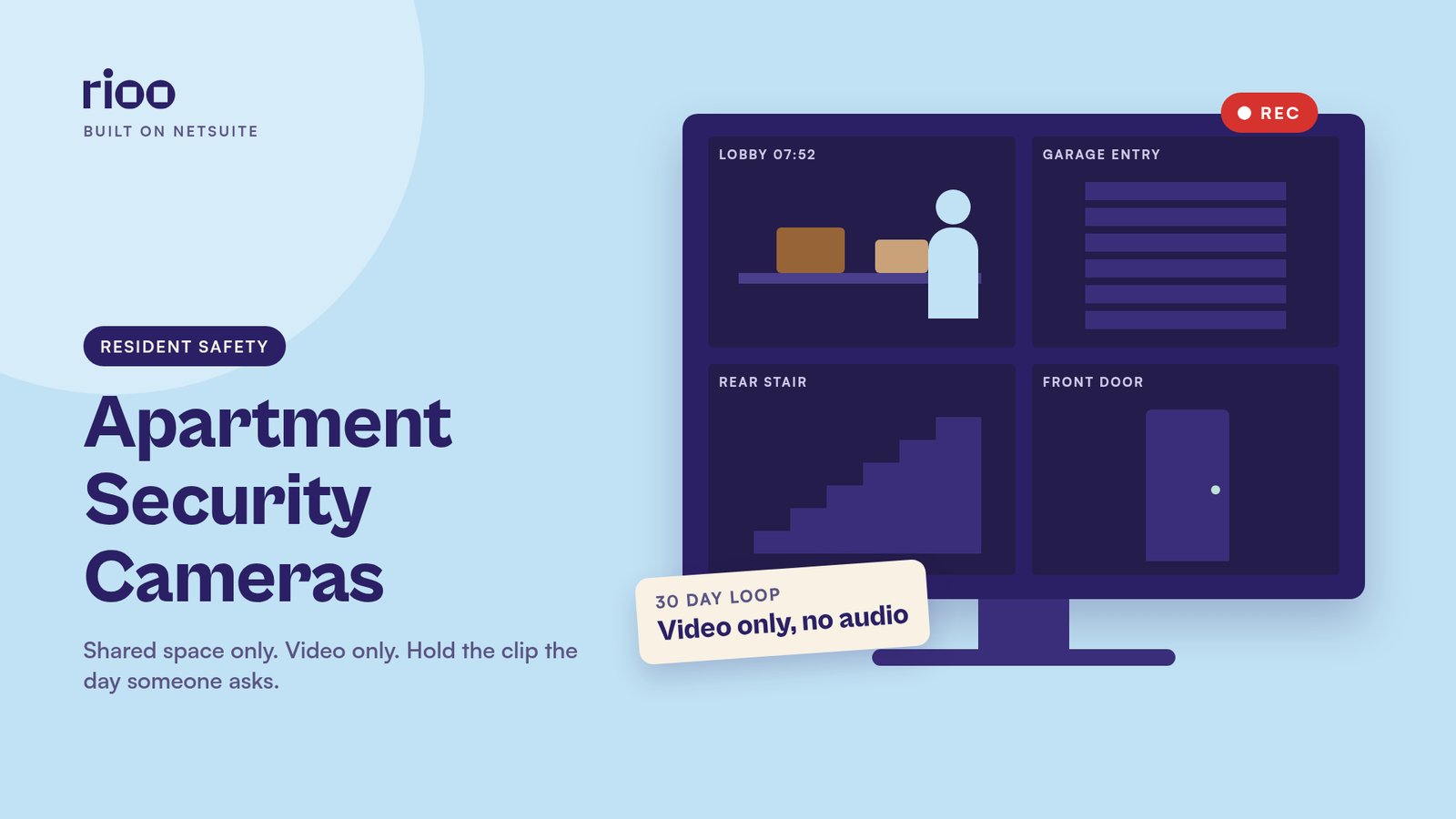
Every camera system in your buildings is counting down. Each night it records over its oldest video to make room for new files. That countdown decides whether a resident's request next week can be answered at all, and the clip it saves shows far more people than the one who asked.
Apartment security cameras belong in common areas such as lobbies, hallways, entries, parking lots and shared amenities. They do not belong inside a unit, or pointed at a bathroom, bedroom or a neighbour's window. You can usually record video without asking each resident, if you tell them the cameras are there. Audio is a different rule. Federal law in 18 U.S.C. 2511 generally needs consent from at least one party to a conversation, and some states need consent from every party. Do not record sound unless counsel has signed off for your states. When a resident asks for footage, take a written request with a date, time and location, and preserve the clip at once. Release it only under a written policy or a lawful police or court request.
Cameras belong in shared space, never in a unit
The test is expectation of privacy. A lobby, a mail room, a garage and a sidewalk have little of it. A bathroom, a bedroom and the inside of a unit have a lot of it. A camera in those places can be a crime as well as a lease problem.
Be careful with the grey areas. A hallway camera that looks through an open door can create the same problem. So can a wall camera that looks into a unit window. Walk the field of view before you install, and again after someone moves furniture or a new window treatment goes up. If a camera can see into a private space, move it or tighten the frame.
Write the locations into the lease or a community addendum. Name the kinds of spaces, whether the system records video only, and how long you keep the files. Residents should see a short notice at each entrance as well.
Video is usually allowed. Sound usually is not.
Federal wiretap law at 18 U.S.C. 2511 makes it a crime to intercept an oral conversation unless one of the people in it has given consent, or another narrow exception applies. Some states go further. California and Florida, for example, need consent from every person in the conversation. A hallway camera with a microphone on can pick up private talk between two residents who never agreed to be recorded.
The safe default is video only, with microphones off at the hardware level, not just in software. If a vendor says the camera "has audio but you can mute it", ask them to disable it in the firmware and confirm it in writing. Confirm the rule with counsel for every state in the portfolio, because it varies.
Set a retention period and a legal hold
There is no single federal rule for how long a landlord must keep footage. A city ordinance, a lender or your insurer may set a minimum for some buildings, so check before you pick a number. Many recorders overwrite on a rolling cycle somewhere between two weeks and three months.
Pick a period, write it down and stick to it. Longer is not always safer. The more you keep, the more you may have to produce in a later case. Shorter is risky if a resident reports an incident two weeks later and the file is already gone.
The moment you get notice of a claim, a police report or a lawsuit, preserve the relevant clips. Overwriting them after that notice can hurt you in court. A legal hold should name the cameras, the date range and the person who has stored the copy off the live system.
A written request, then a hold, then a decision
Residents ask for footage after package theft, a car ding, a hallway argument or a report of an unknown person at a door. Your team needs one path, used the same way every time.
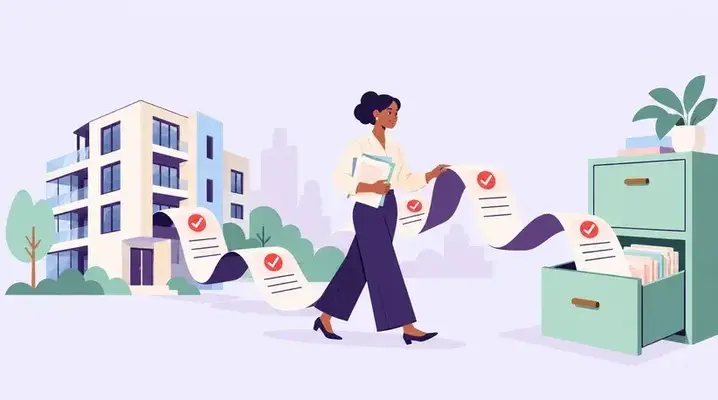
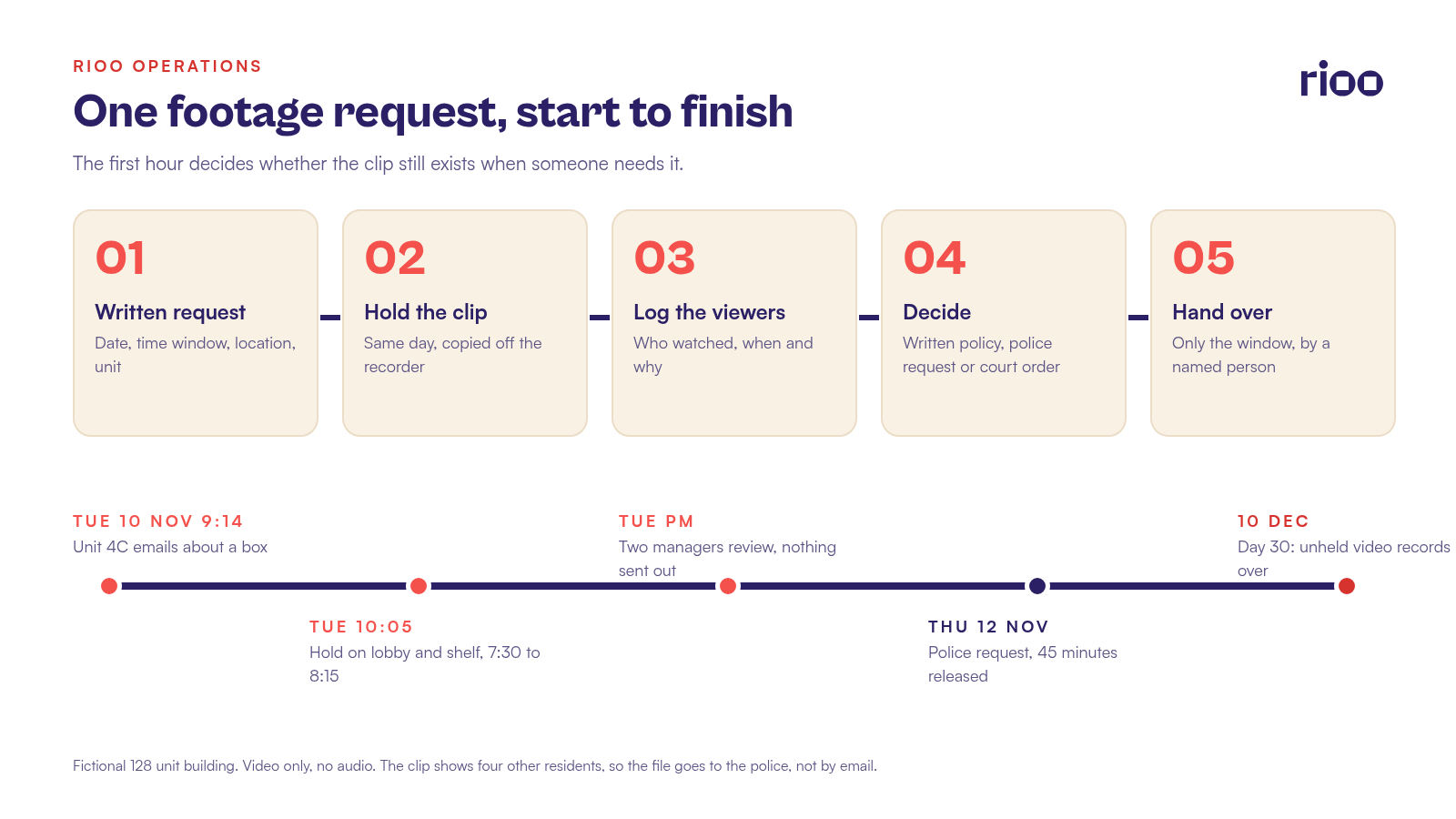
- Take the request in writing. Date, time window, location and the resident's unit.
- Preserve the clip the same day. Move a copy off the live recorder so the cycle cannot erase it.
- Log who viewed it, when and why. Casual browsing by staff is a problem.
- Decide under the written policy, or wait for a police request or a court order.
- If you release anything, release only the relevant window, through a named person, and record the handover.
Many firms do not hand footage directly to a resident. The clip often shows other people, and a copy that leaves the office is hard to control. A common path is to review the clip internally, tell the resident whether anything useful appears, and release the file to the police if they open a report. Tell residents this in the lease and in the first reply, so they know to file the report quickly.
Cedar Park, 10 November, the lobby clip
This is a fictional example. Cedar Park is a 128 unit building. Cameras cover the lobby, the package shelf, the garage entry and the rear stair. The system keeps 30 days of video, no audio. Access sits with the community manager and the regional manager.
On Tuesday 10 November at 9:14 AM, unit 4C emails. A box was on the lobby shelf at 7:40. At 8:05 it was gone. They ask for "the lobby tape". The community manager, Priya, replies within an hour, asks for the exact window and starts a hold on the lobby and shelf cameras from 7:30 to 8:15.
She reviews the clip with the regional manager on the same afternoon. At 7:52 a person in a dark jacket takes a box from the shelf and walks out the front door. The face is not clear. The clip also shows four other residents collecting their own packages. Priya does not send the file to 4C. She writes back that the team has preserved a clip from 7:30 to 8:15, and it shows a person leaving with a box. She asks the resident to file a police report so the department can request the file. She notes the hold, the two viewers and the reply in the incident record.
The police request arrives on Thursday 12 November. Priya hands over a copy of that 45 minute window, logs the officer's name and the case number, and keeps the original hold until the case is closed. The four other residents never appear in an email attachment that can be forwarded.
Here the request came in on day one, so the 30 day cycle left plenty of room. Now picture the same email arriving on day 26, and a reply that waits for the resident to "confirm the time next week". By then the recorder has written over the morning. The hold has to start on the day the request lands.
Resident cameras and doorbell cameras
Residents now mount their own devices on doors and in windows. A doorbell camera that records a shared hallway picks up neighbours every time they pass. A camera pointed out of a window can record a courtyard, a playground or another unit.
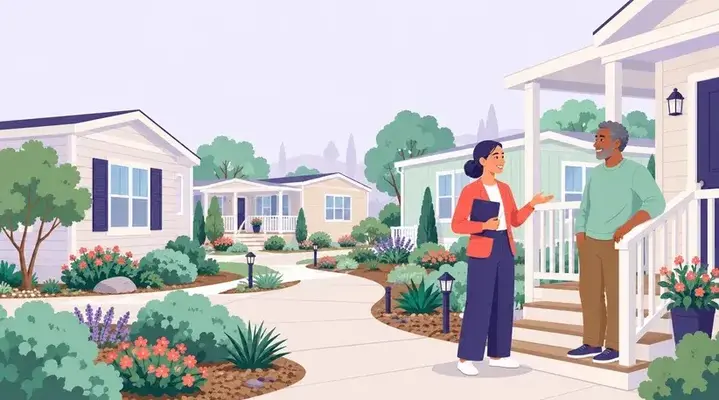
Set a simple rule in the community guidelines. Interior cameras that stay inside the unit are the resident's affair, as long as they do not capture another unit or a private space. Devices on doors, in hallways or in windows that record shared space need written approval, and they must not record audio in the hallway. You can refuse a placement that points at a neighbour's door or window.
If the device is for a disability related need, treat it as an accommodation request and document the decision. Our guide to reasonable accommodation requests covers that process. For package theft, cameras help only if the footage still exists when someone asks. A shelf in an open lobby will keep generating the same request. Our guide to apartment package management covers lockers and delivery rules that reduce those incidents.
Who may watch, and how you say so
Limit live view and recorded access to a short list of named roles. A leasing agent should not be able to browse last night's hallway video. A vendor who services the system should have access only while on site, under supervision, and it should end when the visit ends.
Tell residents the cameras exist, where they are, that you record video only, how long you keep it, and how to request a hold. Do that in the lease, in the move in packet and on a notice at the main entrance. Footage is resident data, so treat a hacked recorder or cloud account as a breach and follow our data breach response steps. After a serious incident, follow the first day steps in our guide to responding after a major incident.
Questions about apartment cameras
Can a landlord install cameras in apartment hallways?
In shared hallways, lobbies and parking areas, yes, in many places, if you disclose them and you do not record audio without the right consent. Confirm the rule with counsel for your states and cities.
Do I have to give a resident the footage they asked for?
In many places, no, unless a court order or a police request requires it. Confirm the rule for your state with counsel. Preserve the clip at once, review it, and follow your written policy. Many teams release the file to the police rather than to the resident.
How long should we keep apartment camera footage?
Pick a set period, often 30 days, unless a local rule sets a minimum. Preserve a specific clip as soon as anyone reports an incident or a claim.
Can residents put a doorbell camera on their apartment door?
Only under your written rule. A device that records a shared hallway or a neighbour's door needs your approval, and it should not record sound in the hallway.
Is it legal to record audio on apartment cameras?
Often no, without consent. Federal law at 18 U.S.C. 2511 generally needs at least one party's consent, and some states need every party's consent. The safe default is video only.
Where RIOO keeps the request trail
RIOO keeps service requests and tasks on the unit and the property, with a history you can assign and close. A footage request can be logged as a task with the date, time window, cameras, the hold and the decision. Notices about camera locations can go out through tenant communication tools, tied to the lease and the building. The community manager portal gives site staff one place to handle the request and leave a record for the region. See how service requests and tasks work in RIOO.